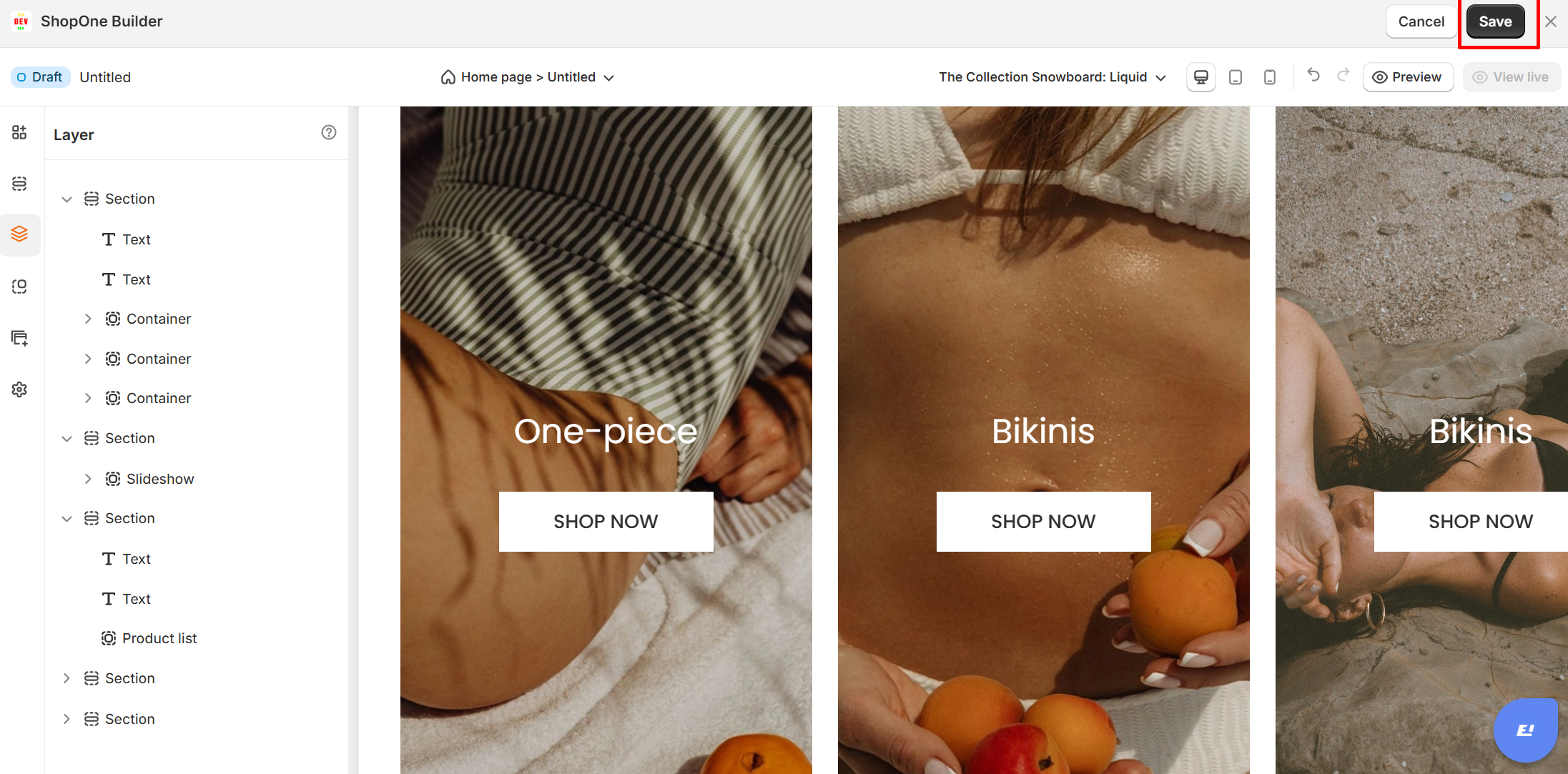
The Layer function displays all sections in a page and the elements in each section. Therefore, customers can have an overview of the elements in a page. In addition, customers can also move and arrange sections in the order they want easily and quickly.
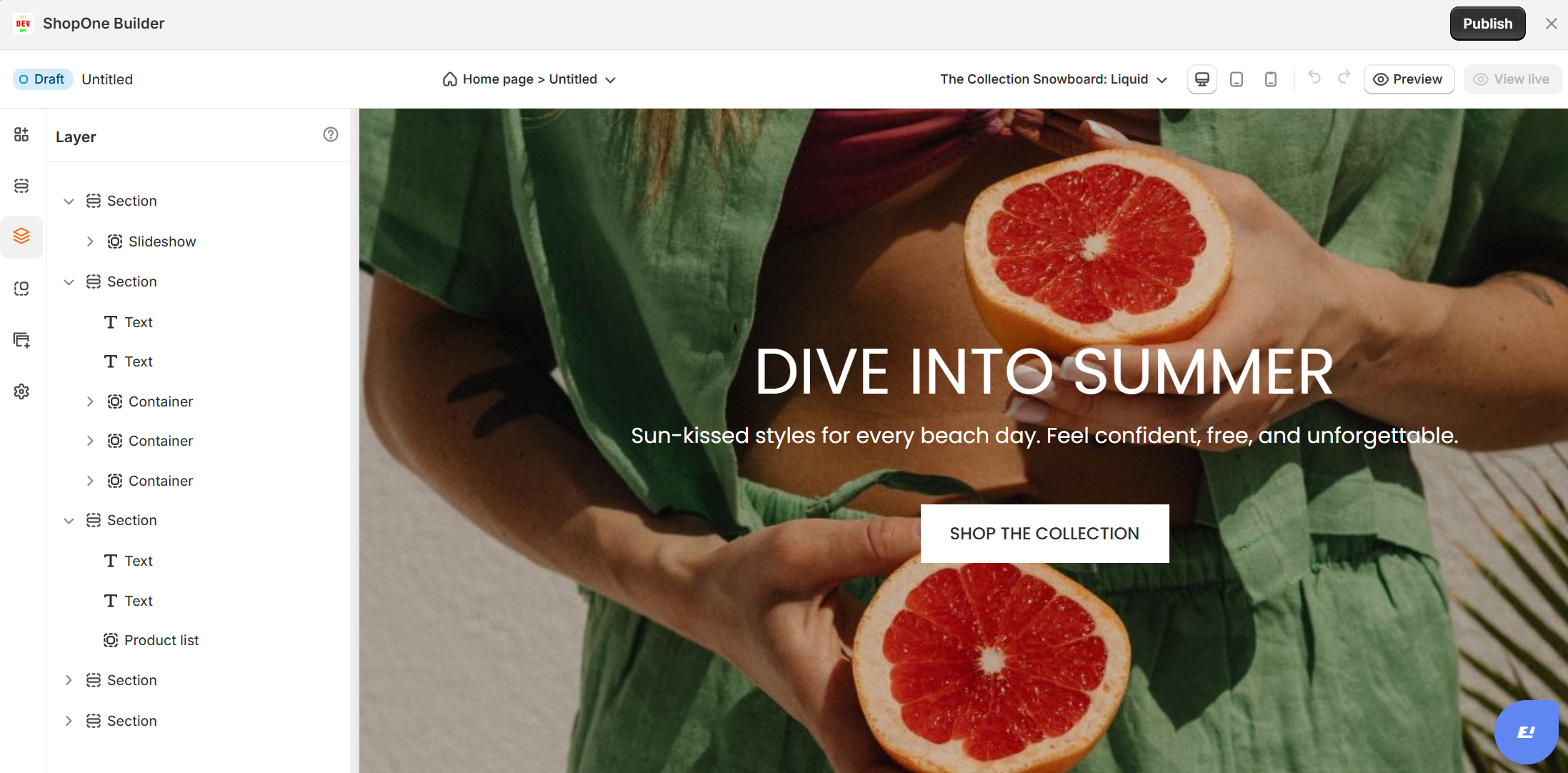
For example: Section 1 on the page contains elements such as slideshow, text, container, product list... Or section 2 contains buttons, images, videos... This helps customers easily observe the overview and grasp the position of each element on the page.
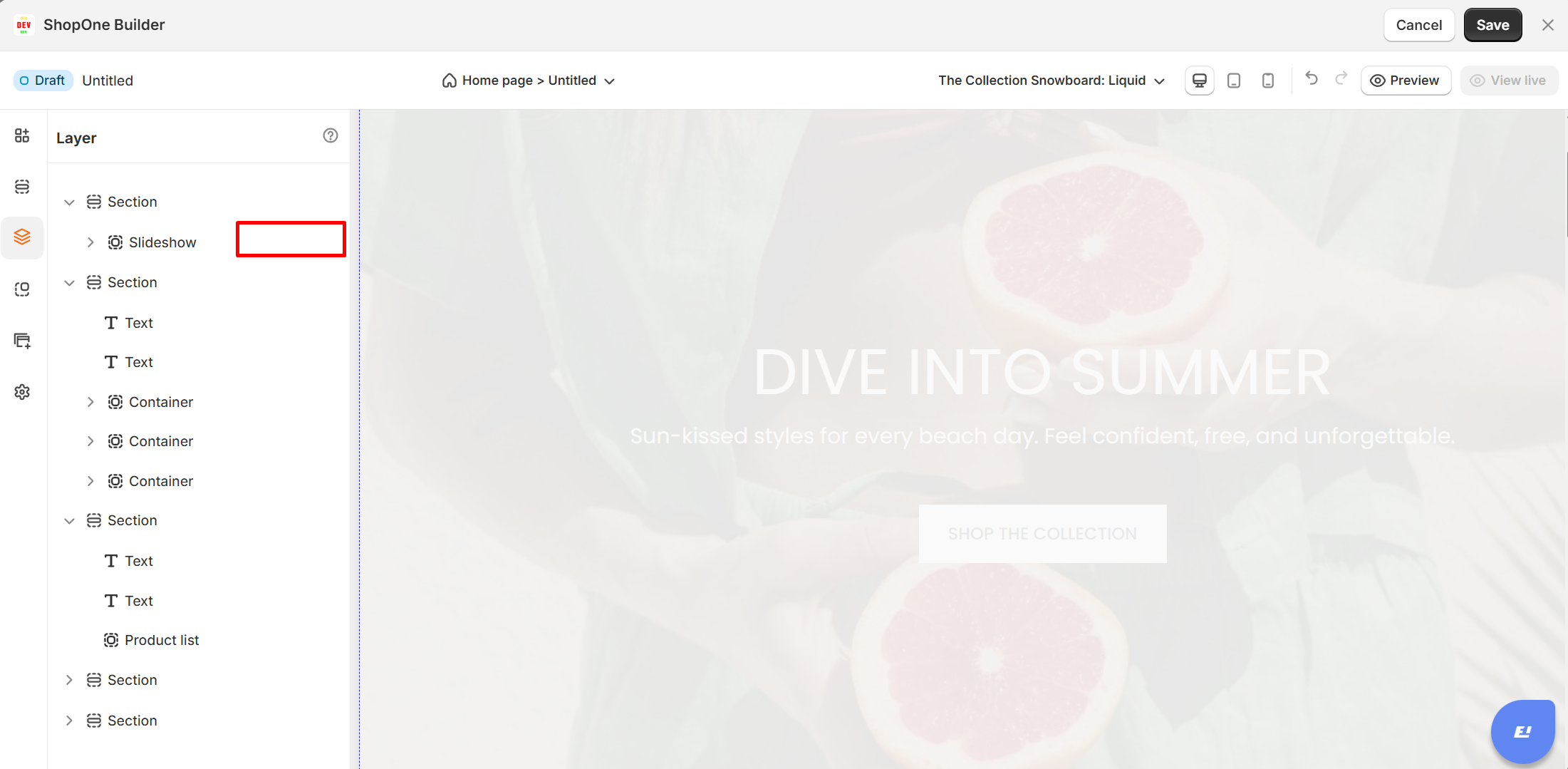
Additionally, within each element, you can hide, disable, duplicate, or delete that element from your page easily. In particular, the layer function allows customers to move sections and change positions quickly and accurately. You can arrange sections in the desired position instead of arranging them according to the available layout.
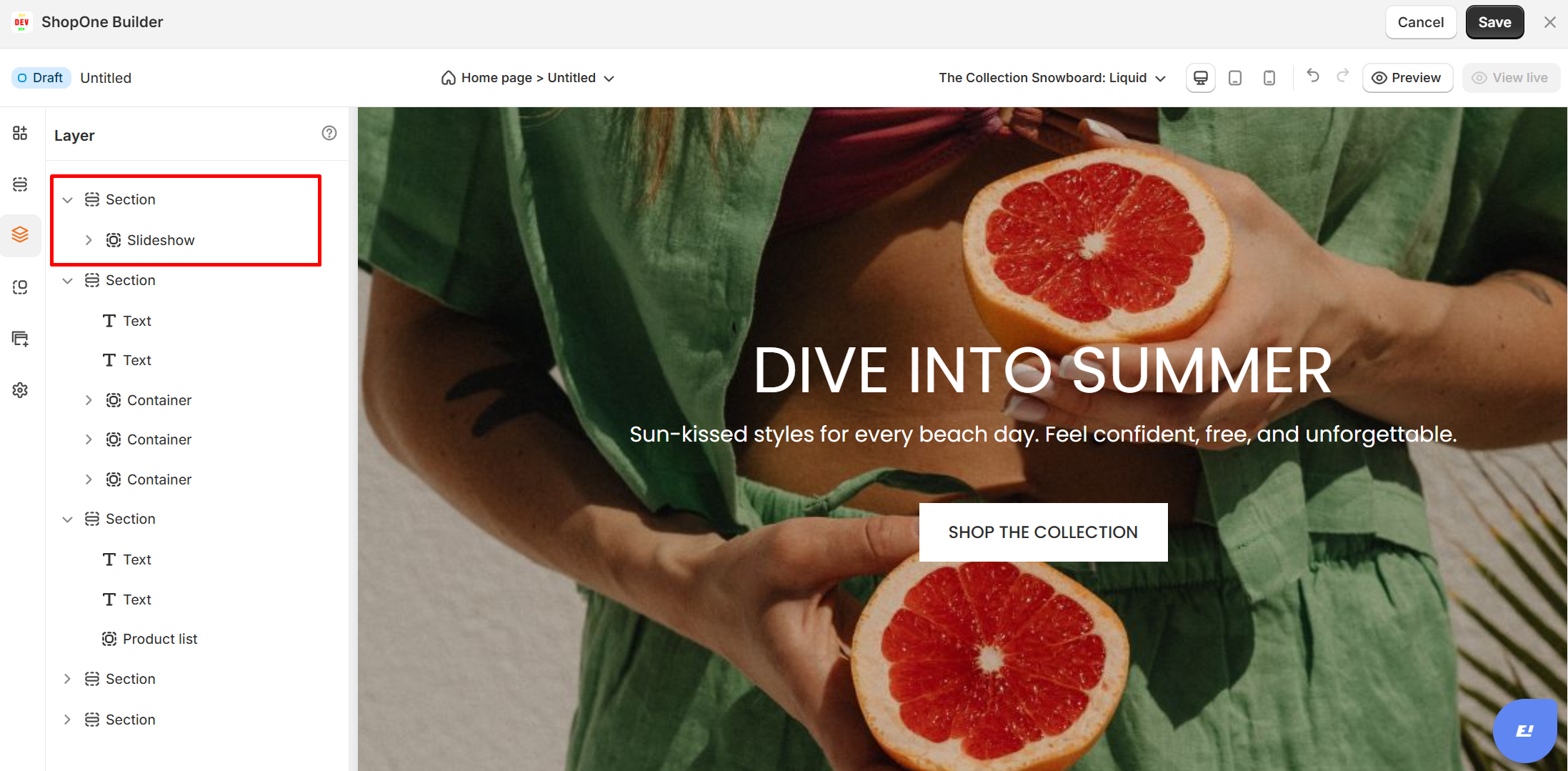
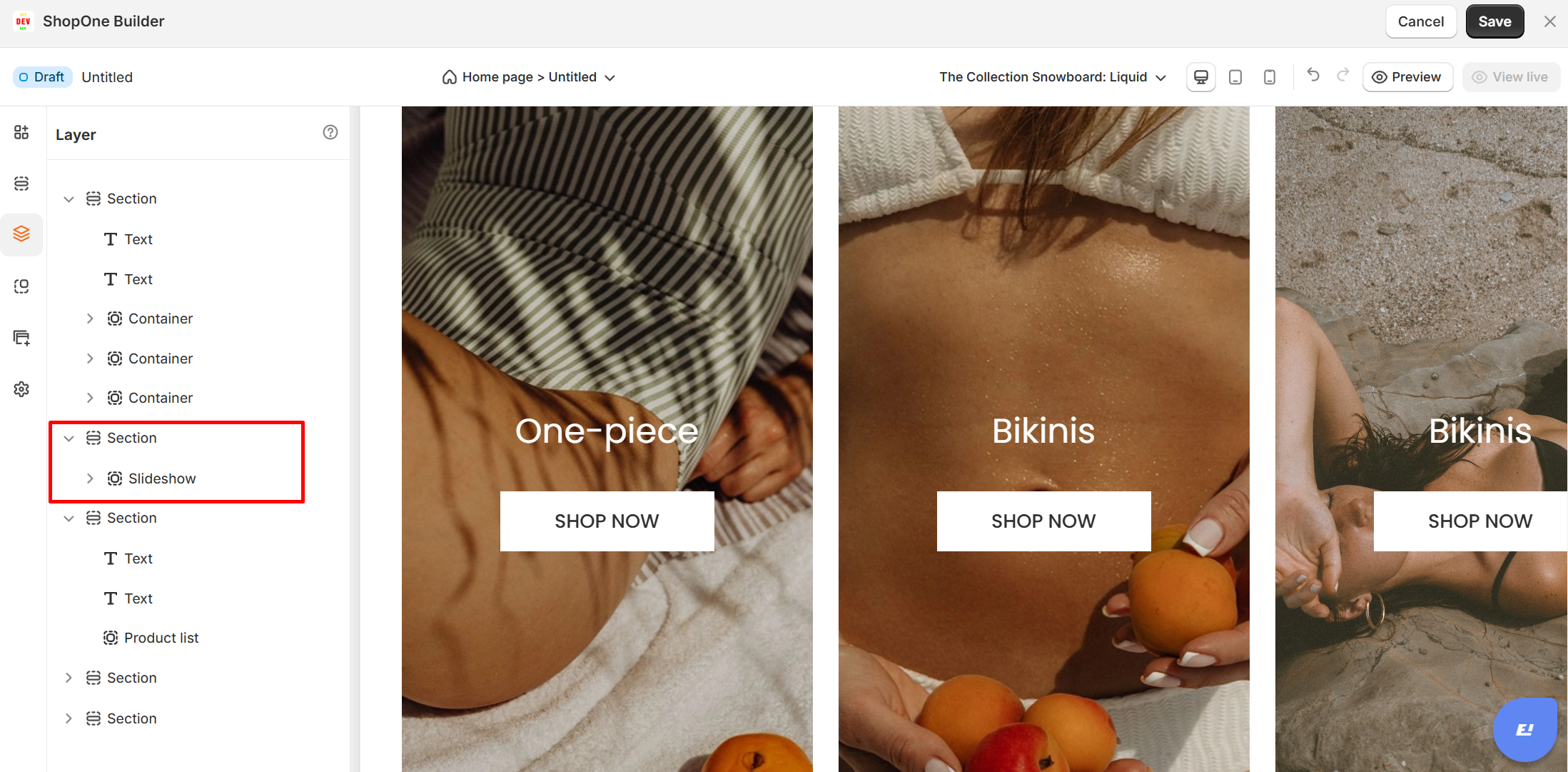
After changing and rearranging the positions, don't forget to click save and publish a page with the new layout.
Thanks for reading! If you have any questions, please contact us via email: support@shopone.io
Was this article helpful?
That’s Great!
Thank you for your feedback
Sorry! We couldn't be helpful
Thank you for your feedback
Feedback sent
We appreciate your effort and will try to fix the article